Home›Solutions›Buildings
AI-ELEX for BEMS
Building solutions
We measure power separately from the whole building down to each floor, zone and item of equipment, and find where and how much is being wasted. It connects to your existing distribution panels, so you can start without major construction work.
Challenges
Limits of current building operations
No analysis of power data
Only whole-building use is visible, so it is hard to set a baseline for managing the electricity bill.
Rising cost of manual work
With staff shortages and rising labor costs, handling meter reading, inspection and reporting by hand is a growing burden.
Limits of reacting after the fact
Response comes only after an electrical fire or equipment fault has grown, which increases damage and complaints.
Expensive BAS / BEMS
Existing systems require large-scale work and cost, which makes them hard to deploy in small and mid-size buildings.
After AI-ELEX
After deploying AI-ELEX
A baseline for cost management
Analyze power data to establish where and how much is used, then set savings targets.
More efficient staffing
Remote inspection and response guidance mean you go out only where needed, cutting management time.
Acting on anomalies early
Detect earth leakage, overload and temperature rise early, and act before they turn into an incident.
Minimal deployment burden
Because it connects to existing distribution panels, the scale of work and the initial cost stay low.
Data Structure
From the whole building to a single item of equipment,
analyzed across five levels
Whole-building use alone cannot tell you which floor or which zone is consuming the most. AI-ELEX reads power across five levels, down to who used the electricity.
Role-based View
An owner and a technician
need different screens
The same data supports different decisions. We split the screens by role so it is clear what to check and what to decide.
- Asset value and operating cost trend
- Energy cost savings over time
- Use compared across periods
- Monthly operations summary
- Billing and meter reading data
- Evidence for tenant enquiries
- Distribution panel and equipment status
- Alarms and response steps
- Inspection history
- Use per zone
- Evidence behind the invoice
- Practical savings guidance
Features
Features built for building operations
Manage peaks against
local tariff rates
Using the tariff that applies to the building, we provide real-time peak warnings and guidance on optimizing cost. You can adjust operations so that use does not concentrate in the hours with the highest unit price.
- Advance warning when a peak is expected
- Analysis of use patterns by time of day
- Guidance on shifting load
- Start cooling 30 minutes later in the morning, while outdoor air is cool.
- Raise the set point in the 3rd-floor common areas by 1℃.
- Pre-cooling before the peak period (from 17:30) is recommended.
HVAC guidance linked
to weather data
We look at outdoor weather conditions together with indoor use patterns and suggest suitable settings for the HVAC equipment. Heating and cooling account for a large share of building power, so adjusting settings alone produces savings.
- Setting guidance linked to outdoor temperature
- Check temperature differences between areas
- Suggestions for adjusting run times
Check equipment anomalies
in real time
AI learns the use pattern of each item of equipment, judges whether something is abnormal, and alerts you immediately. The alert names the equipment, the type of anomaly and the time it occurred.
- Anomaly diagnosis per item of equipment
- Monitoring of earth leakage, overload and temperature rise
- Response guidance and history
Less meter reading
and reporting work
Use is totaled automatically by period, turned into a report and downloaded as a file. The time spent each month on meter reading and preparing billing data goes down.
- Reports comparing use across periods
- Download report files
- Device and system log records
Best Fit
Buildings it suits
Office buildings
Manage use separately by floor and by tenant, and find waste in the common areas.
Retail and shopping malls
Check use per store and standby power outside opening hours to reduce operating costs.
Schools, hospitals, care facilities
Monitor anomalies in equipment that runs 24 hours a day and prevent electrical safety incidents.
Product
Buildings combine Core and Hub
Use Core for the main distribution panel and high-capacity equipment, and Hub for the panels on each floor and in each zone, dividing measurement points as far as you need.
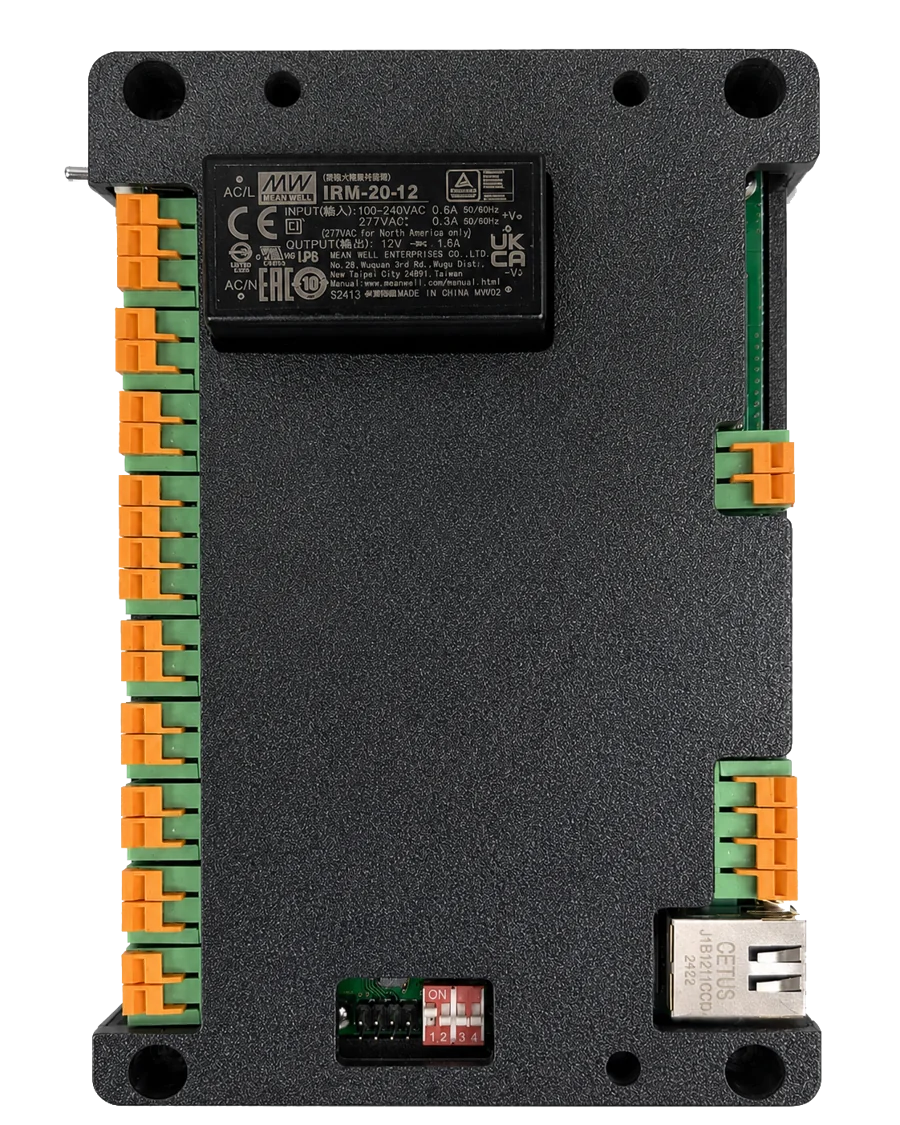
AI-ELEX Core
Base model
Monitors the main distribution panel and high-capacity equipment.
- Main uses
- Main distribution panel, high-capacity equipment
- Facilities
- Main building power
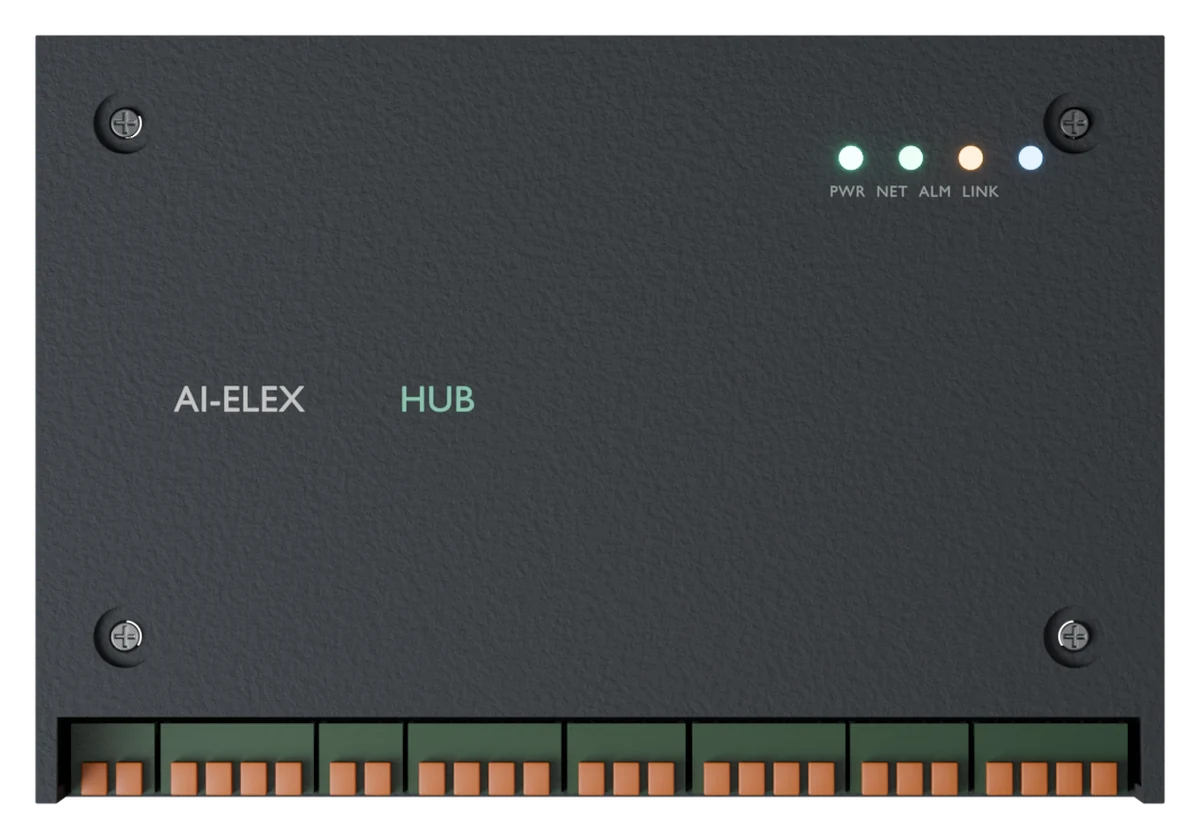
AI-ELEX Hub
Expandable measurement model
Collects power separately in panels with many circuits.
- Main uses
- Panels by floor and by zone
- Facilities
- Buildings, retail facilities
Can it work in your building?
Tell us the size of the building and the scope of management, and we will advise on the setup you need and the expected cost.